KeyStrum
Learn guitar chords interactively through visual finger placement and real time sound feedback
Hong, Jamie, Khoury Coll of Comp Sciences
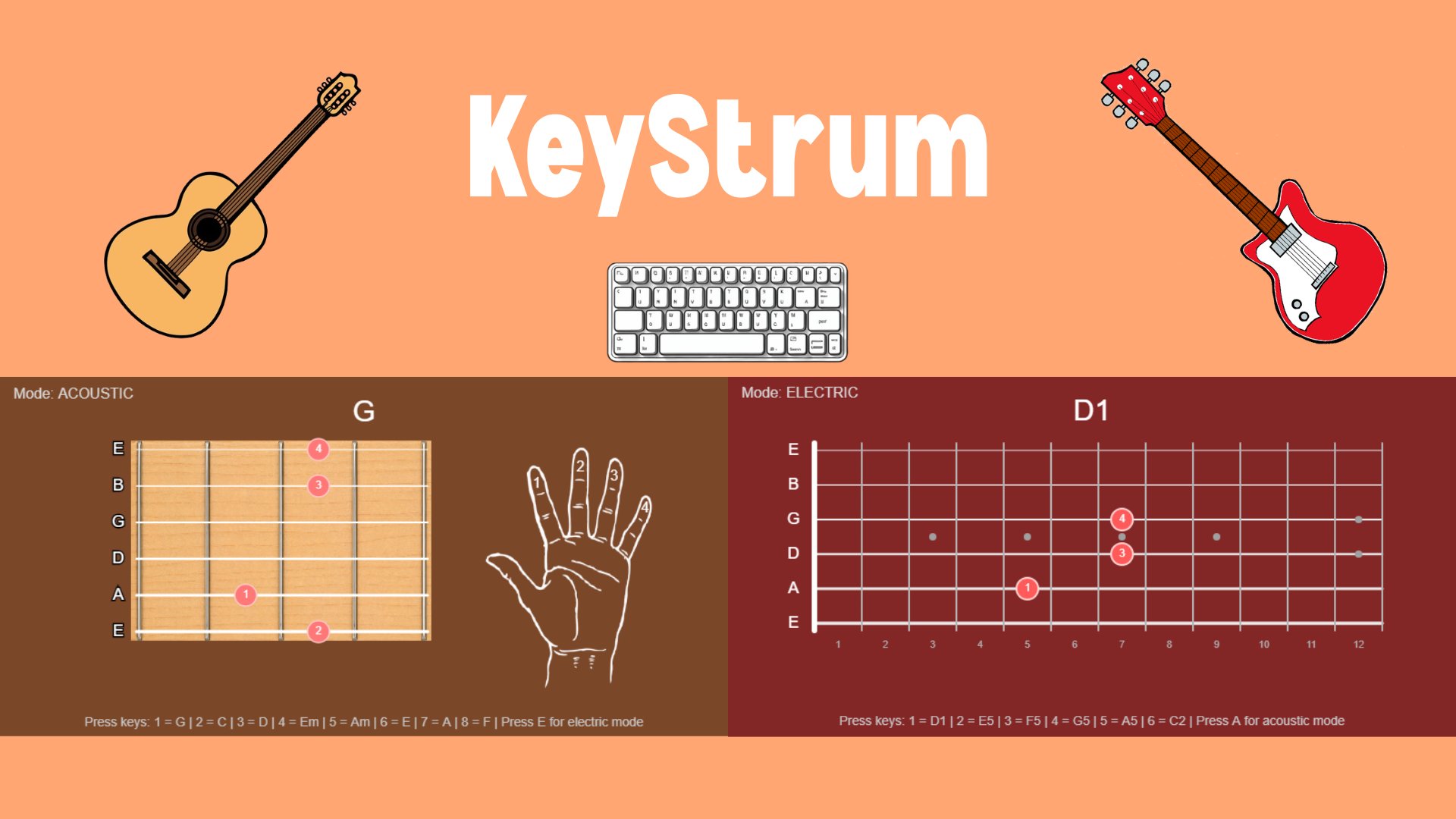
KeyStrum is an interactive digital guitar that lets users play chords using their keyboard while seeing how those chords are formed. When a key is pressed, the app plays the chord and shows the correct finger placement on a fretboard. This creates a direct connection between what the user presses, what they see, and what they hear. This project was motivated by my own experience learning guitar. When I first started, chords were difficult to understand. I mostly used YouTube and chord charts, but they often showed many variations and were hard to follow. It was difficult to connect the diagrams to the actual sound of the chord. This made learning slower and more frustrating than it needed to be. The main design question explored in this project is how an interactive system can make chord learning easier than static diagrams. Instead of just looking at chord charts, users actively play chords and immediately see and hear the result. This removes guesswork and makes it clearer how chords are built. The app includes two modes: acoustic and electric. In acoustic mode, users see a standard fretboard with a hand overlay that shows where each finger goes. In electric mode, the interface switches to a longer fretboard and focuses on power chords. The hand overlay is removed, and the focus is on chord shapes and positions. A key takeaway from this project is that immediate feedback makes learning easier. By combining visuals, sound, and interaction, the app helps users understand chords more quickly. Overall, KeyStrum shows how an interactive approach can make learning guitar chords simpler and more accessible.